

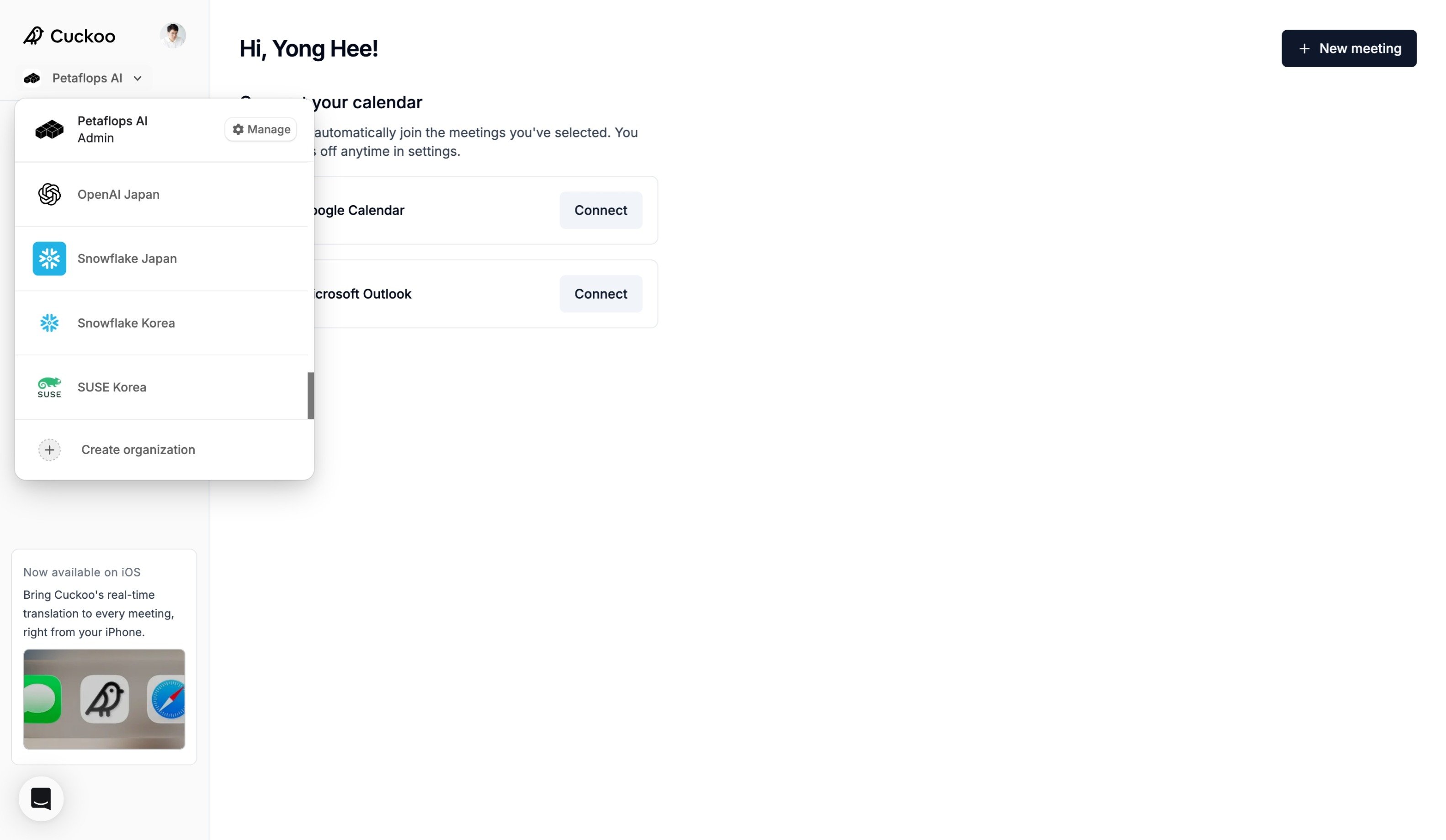
General
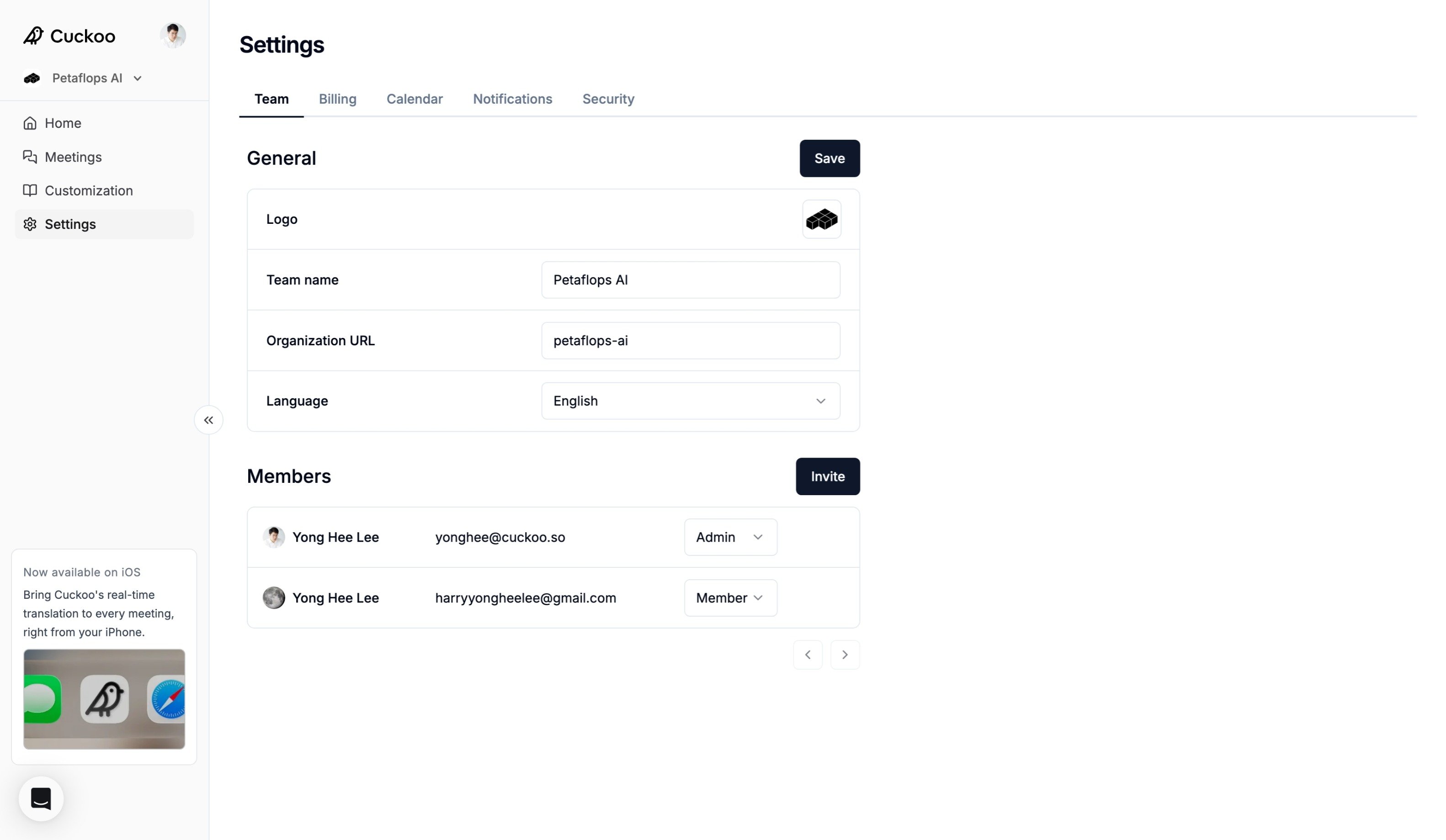
- Team name – The name of your workspace.
- Organization URL – Your workspace’s unique URL identifier used in shared links and workspace-specific pages.
- Language – Select the default language used across the workspace interface.
- Logo – Upload your company or team logo to personalize your workspace.
Members
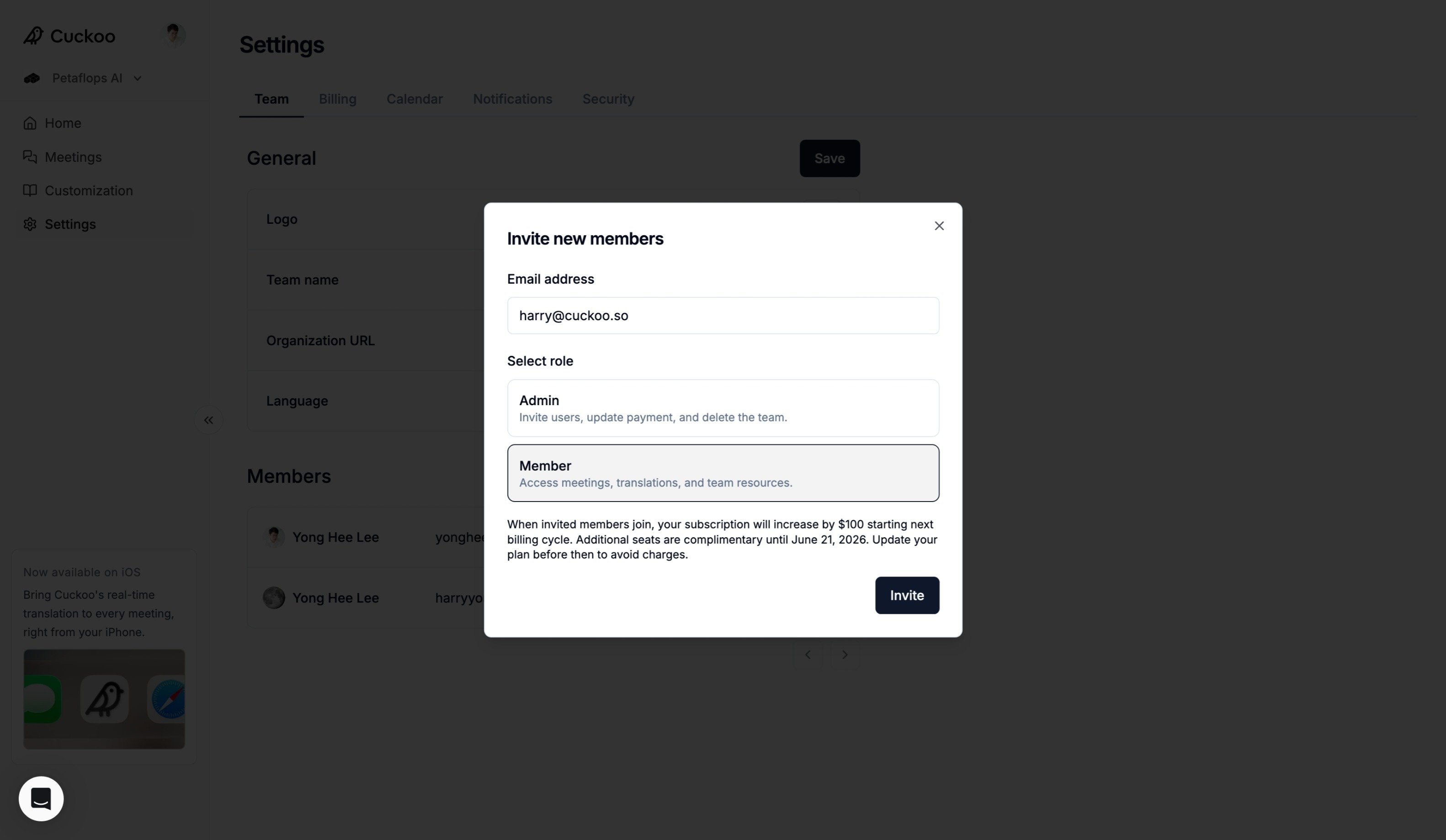
- To add users to your workspace, click Invite in the Members section.
- Enter the user’s email address, select the role and click Invite.
- You can change a member’s role at any time from the Members list.