Share the audience page
1
Open the sharing options
On the session host page, click Share in the upper-right corner.The sharing window shows the session’s public audience link and QR code. The link and QR code do not change if you pause and resume the session.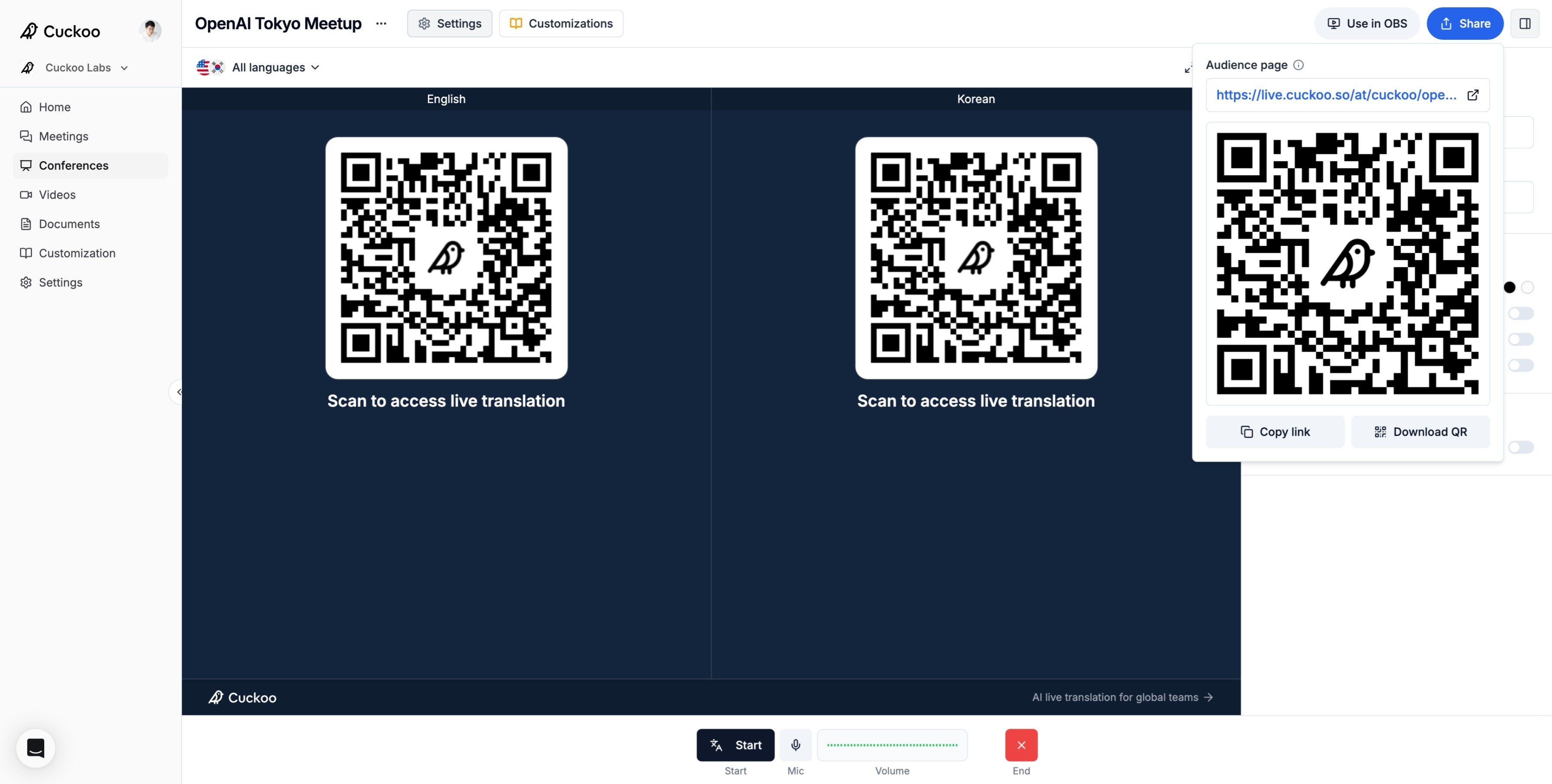
2
Copy the audience link
Copy the link and share it wherever attendees receive event information, such as your event website, email, or webinar chat. Anyone with the link can open the audience page without signing in.The URL begins with
https://live.cuckoo.so/at/ and then includes the organization name and event title.3
Share the QR code
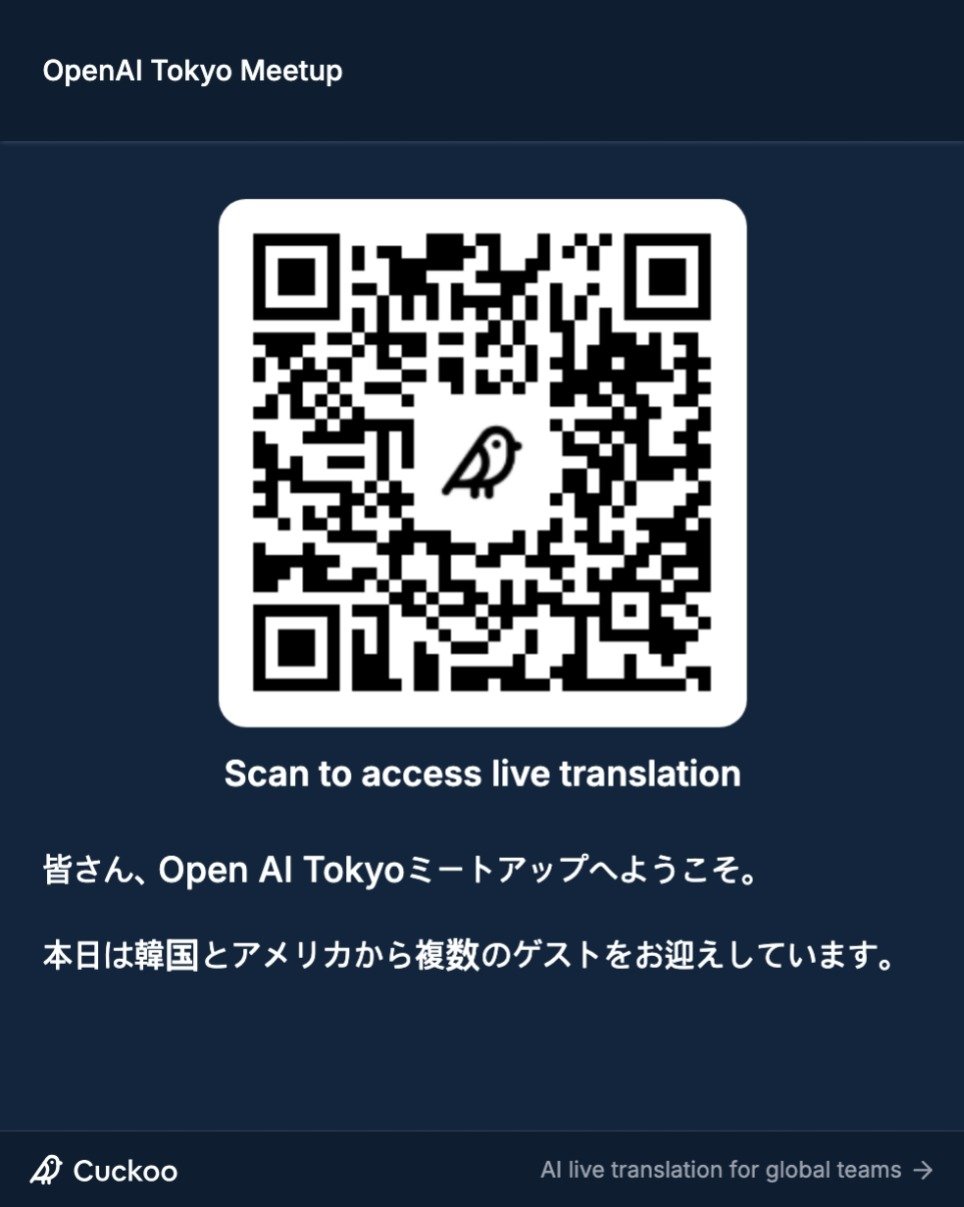
Download the QR code and display it where attendees can easily scan it with their phones. Good locations include the opening slide, registration desk, printed program, table cards, and screens near the stage.Add a short instruction, such as Scan to follow live translations.
4
Preview the audience experience
On the host page, click Audience page to preview what attendees will see.Attendees can select any language available for the session. The page scrolls automatically to show the latest translations.