Install Cuckoo
macOS
Windows
- Download the desktop app at https://www.cuckoo.so/desktop.
- Open Cuckoo installer from your Downloads folder.
- Run the Cuckoo installer.
Start translation
- Make sure the Cuckoo desktop app is running, then start or join a meeting on Zoom, MS Teams, or Google Meet.
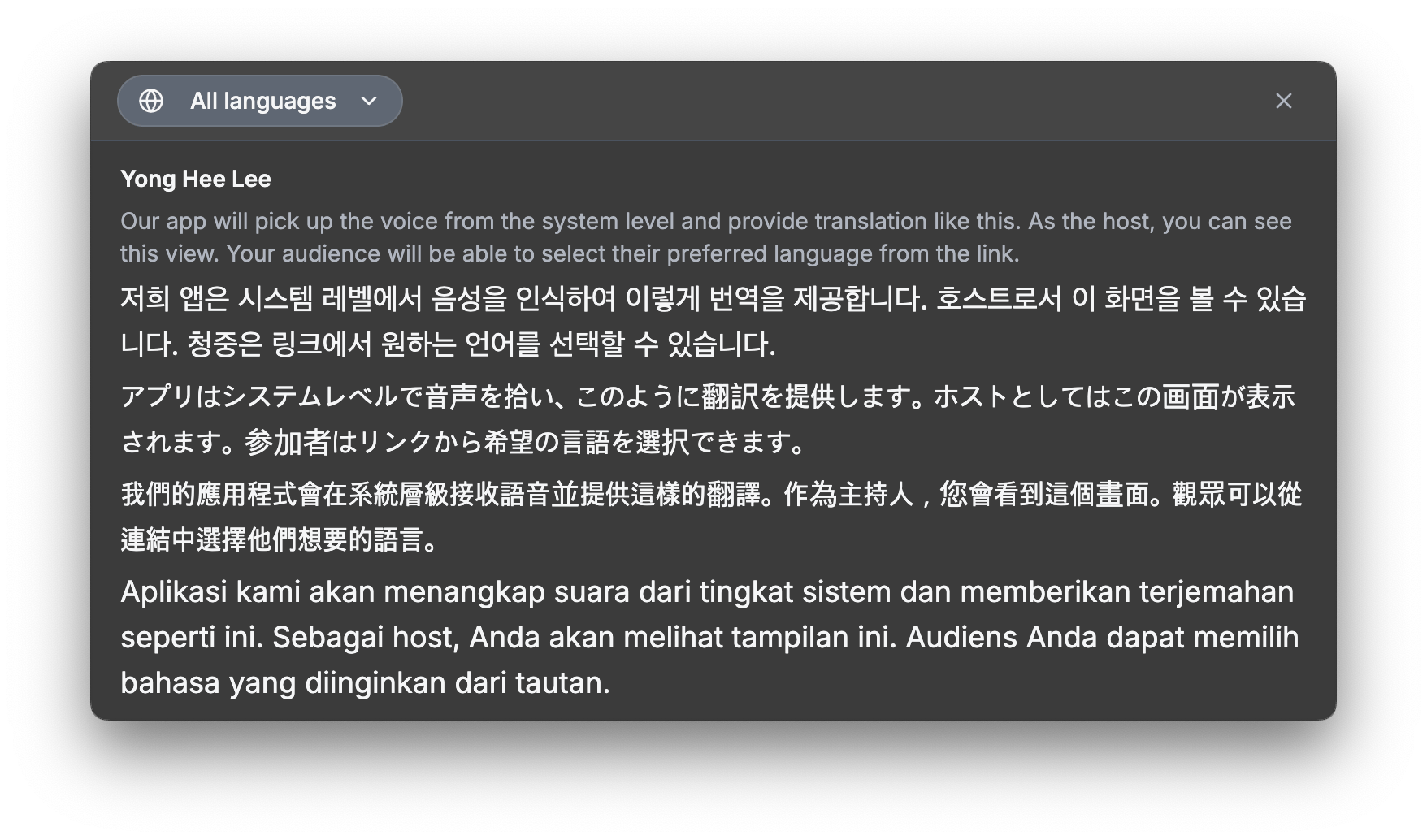
- Cuckoo will automatically detect the meeting and show a Start translation button or trigger a notification to start translation.
- View the transcript or share it with your team by clicking Share and copy link.

Troubleshooting
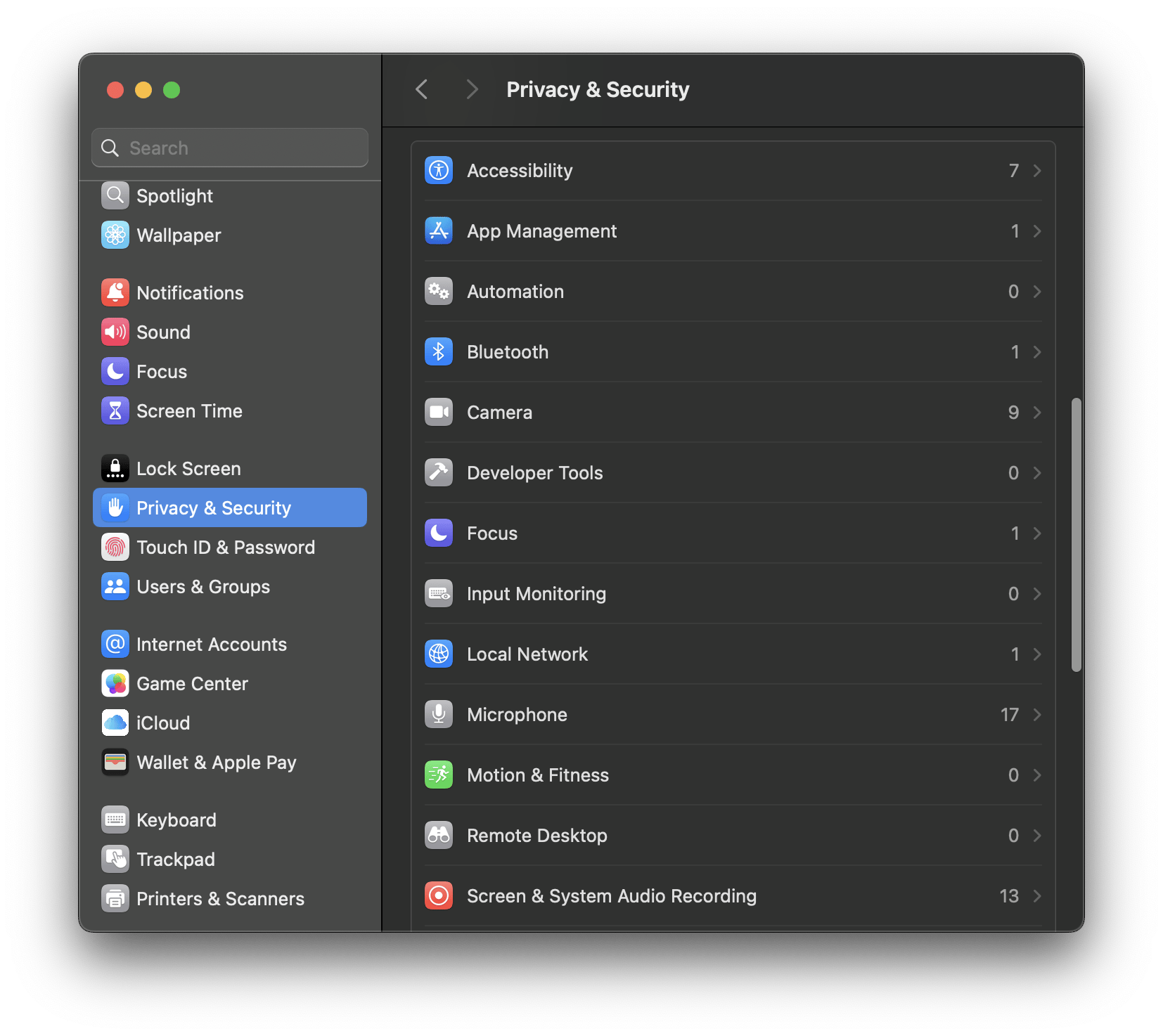
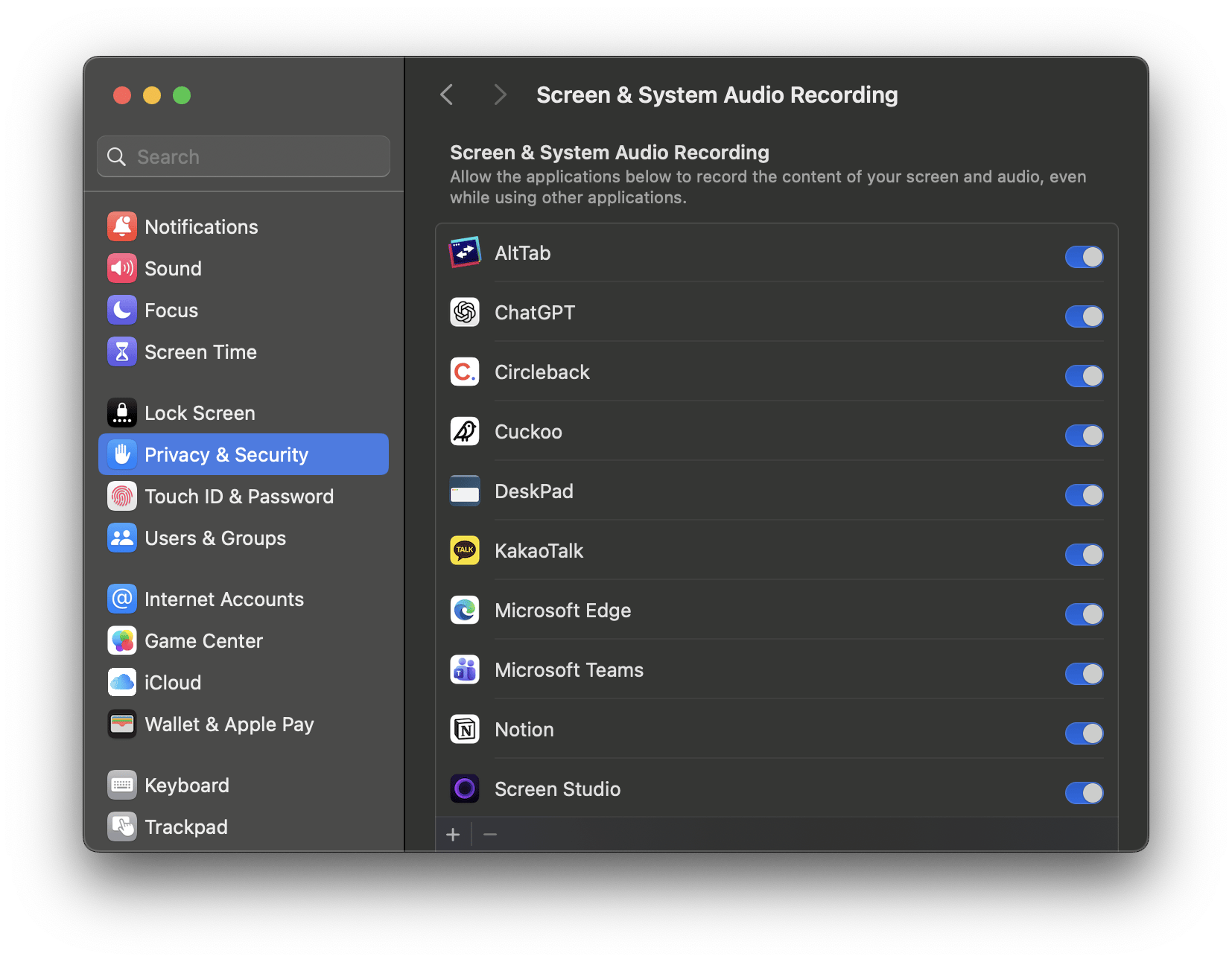
During installation, the desktop app will ask you to enable access to your device microphone and other accessibility features. If the app does not work, check whether Cuckoo is enabled in these three settings under Mac Privacy & Security. Under each section, you should see Cuckoo listed and toggled on.- Accessibility
- Microphone
- Screen & System Audio Recording