Create a meeting
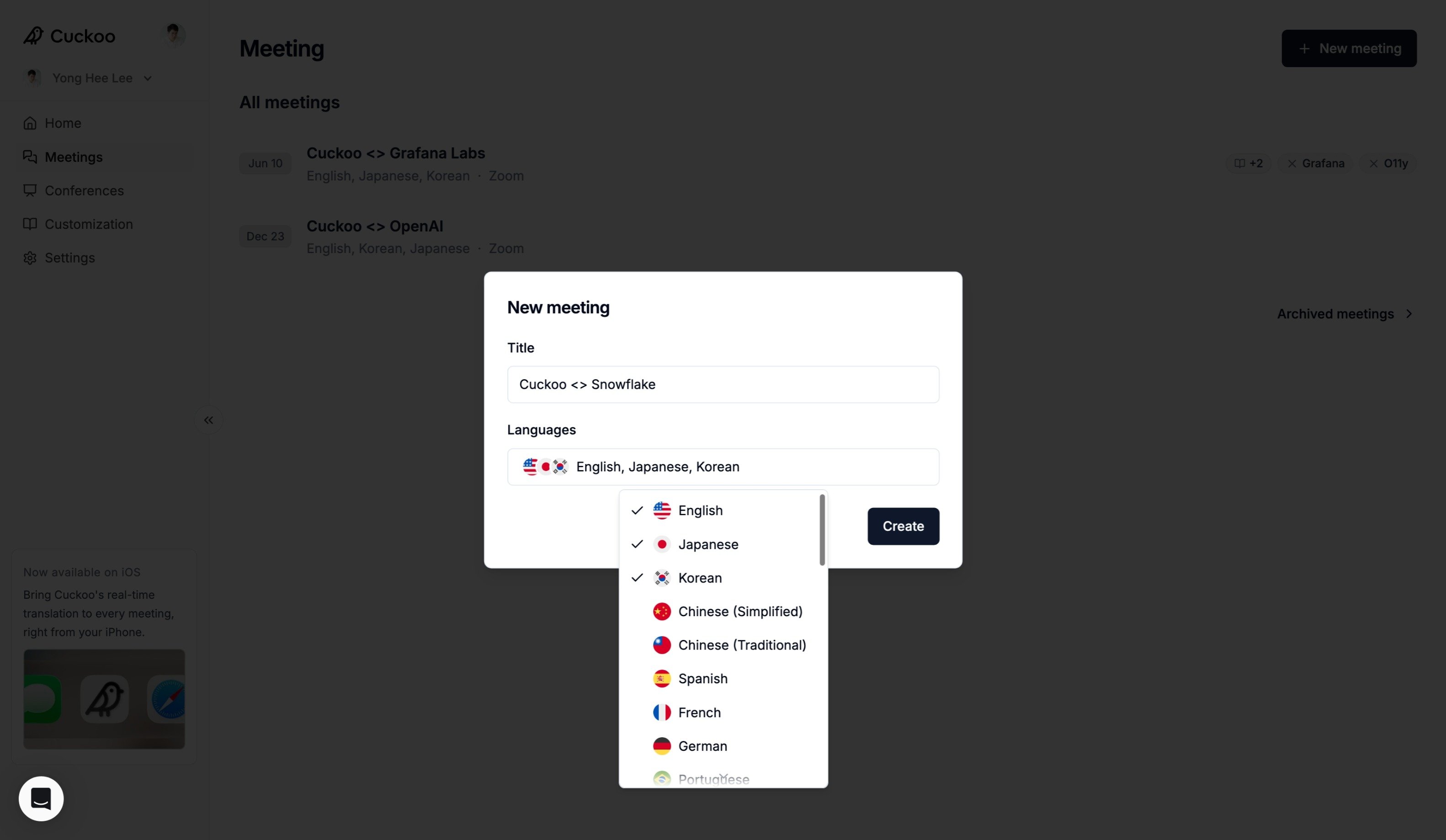
- Click New Meeting and select In-person.
- Enter a title and select the languages for your meeting.
- Click Create.
Start translation
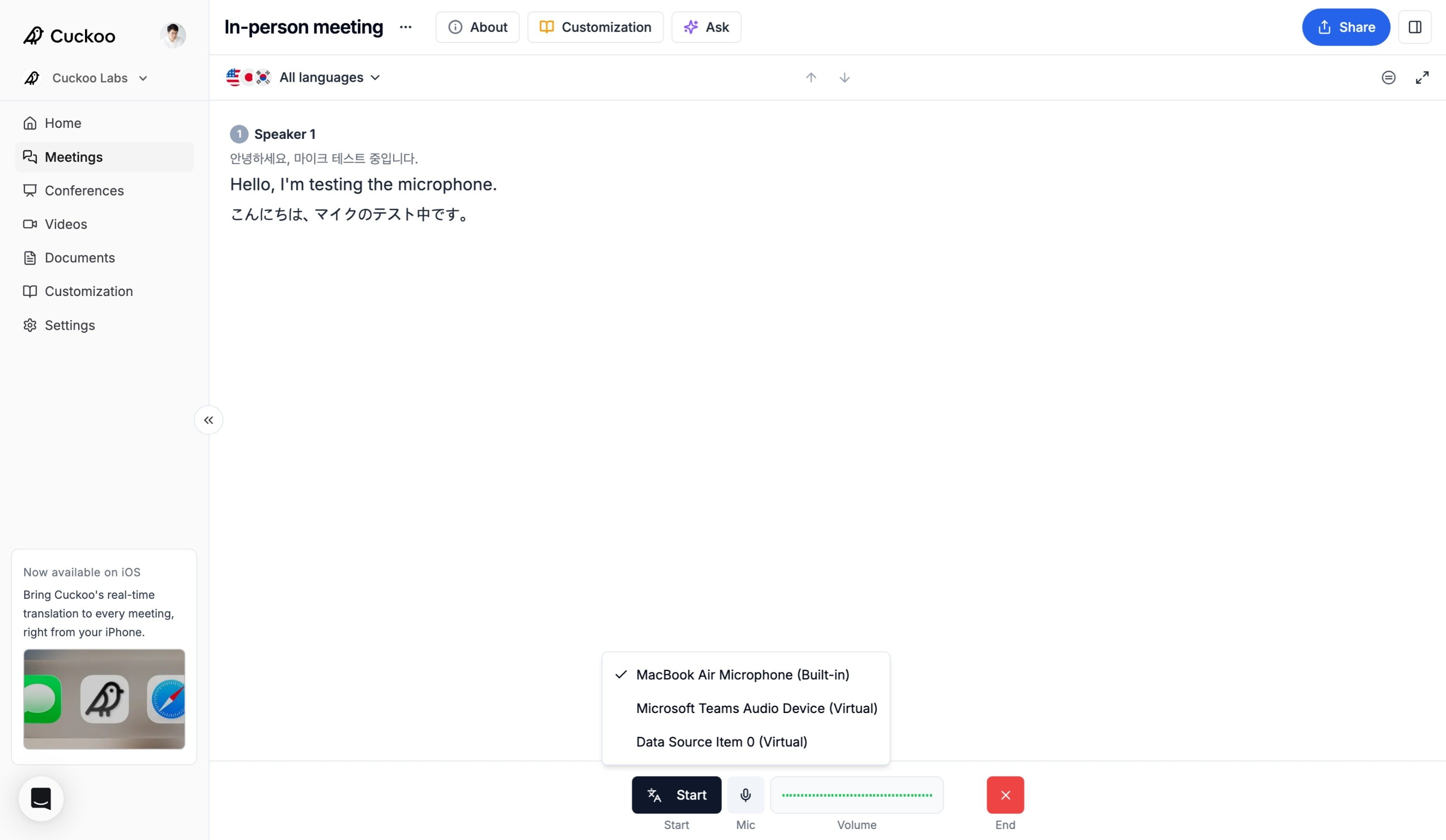
- Under Mic, select your microphone input and verify that the volume indicator is active.
- Click Start to begin translation or Pause to pause it.
- Click End when the meeting is over. Ended meetings cannot be restarted.
Share translation
You can share the QR code or link to the translation by clicking the Share button at the top right of the page.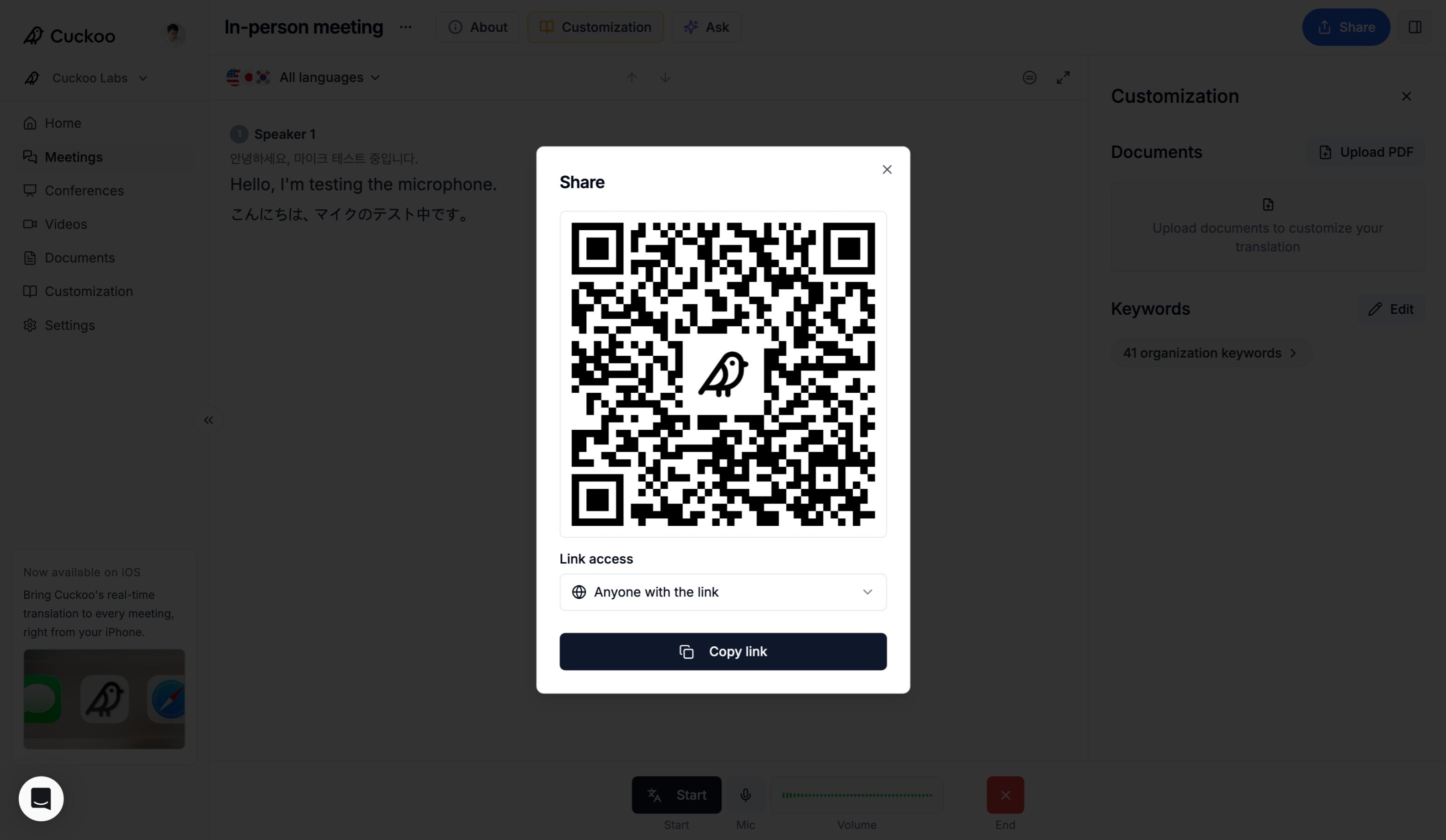
Troubleshooting
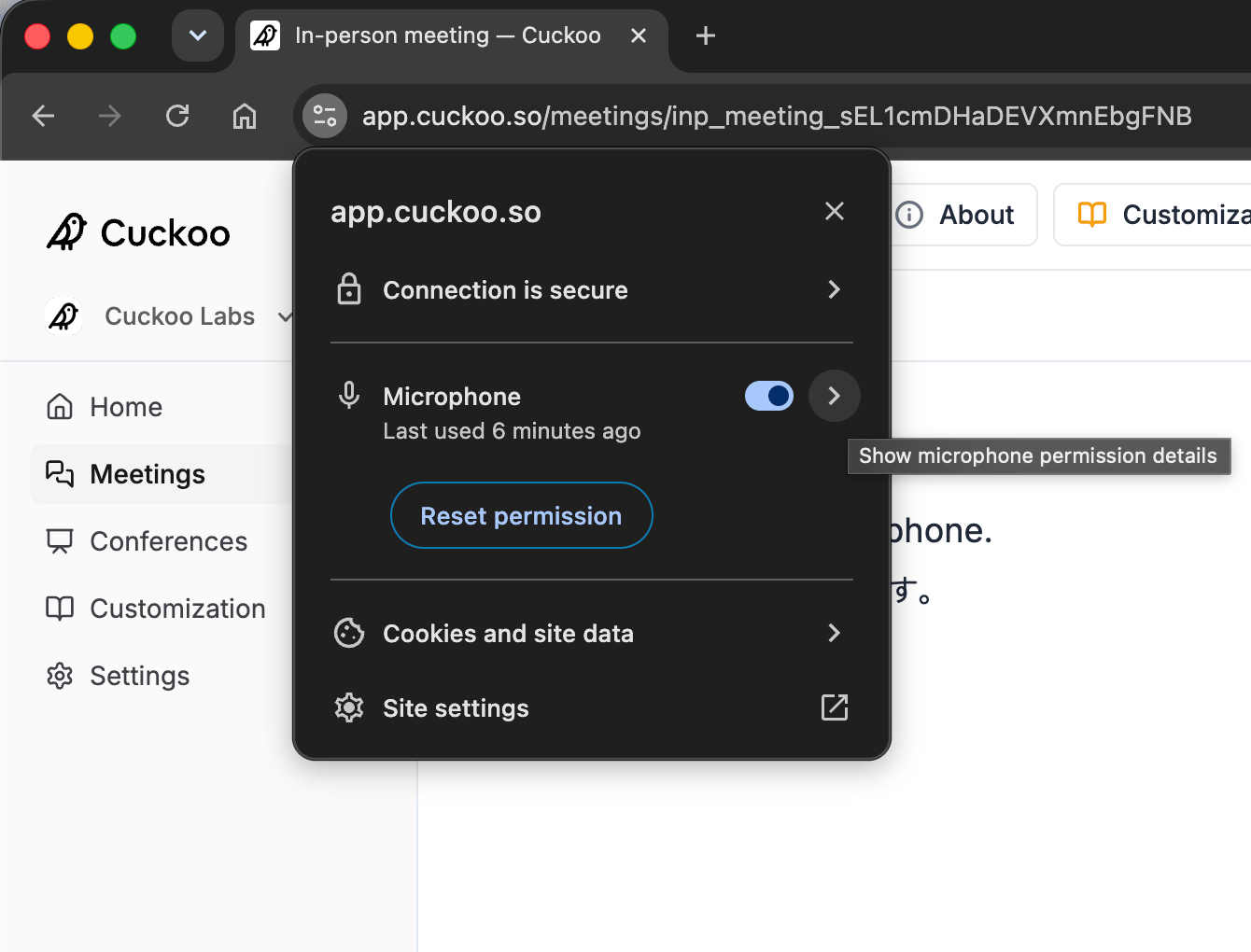
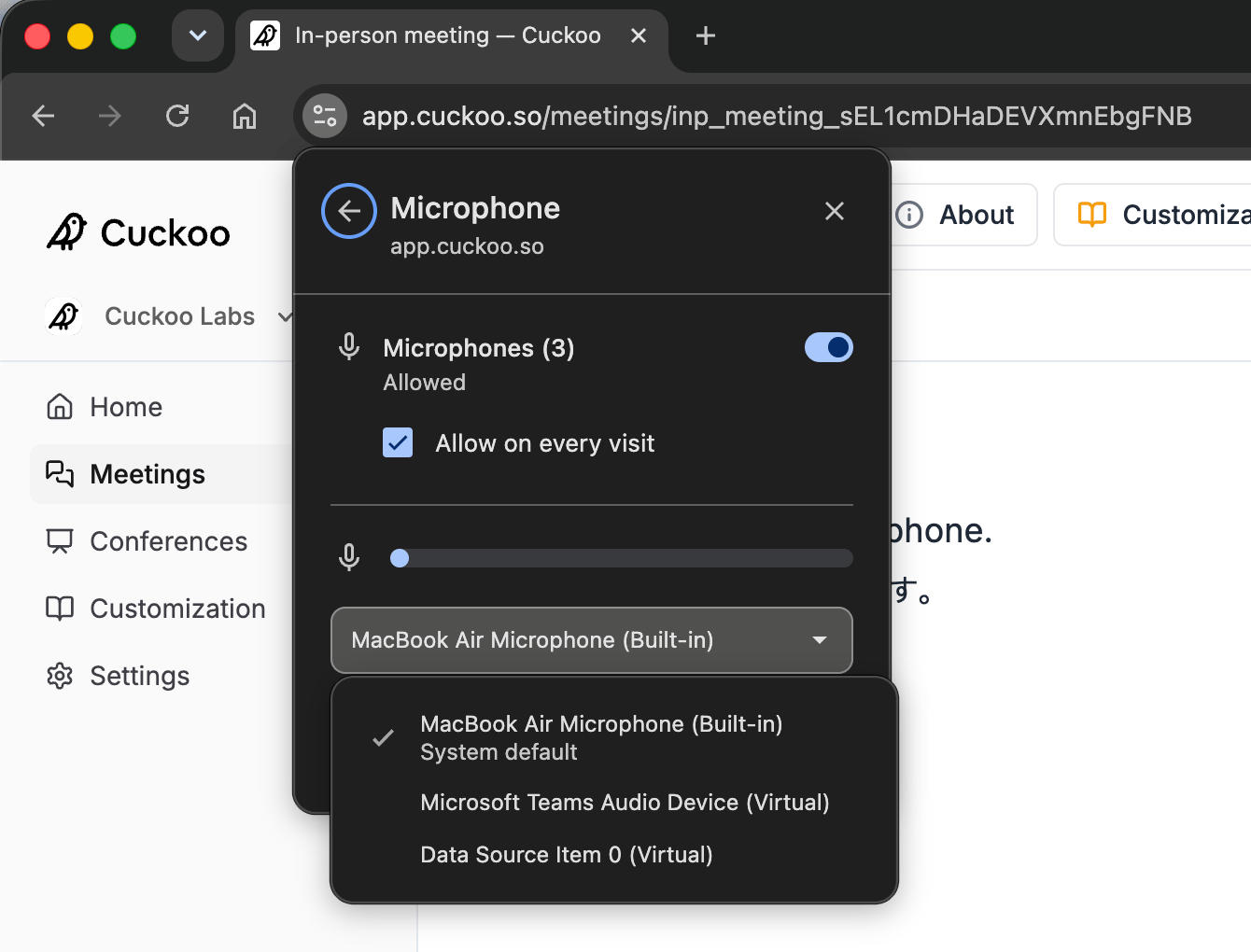
If your microphone does not appear in the Mic list, or if the volume indicator is responding but speech is not being translated, verify that Chrome has permission to access your microphone and that the correct input device is selected. Click the settings button on the top left of Chrome, and toggle the mic settings.