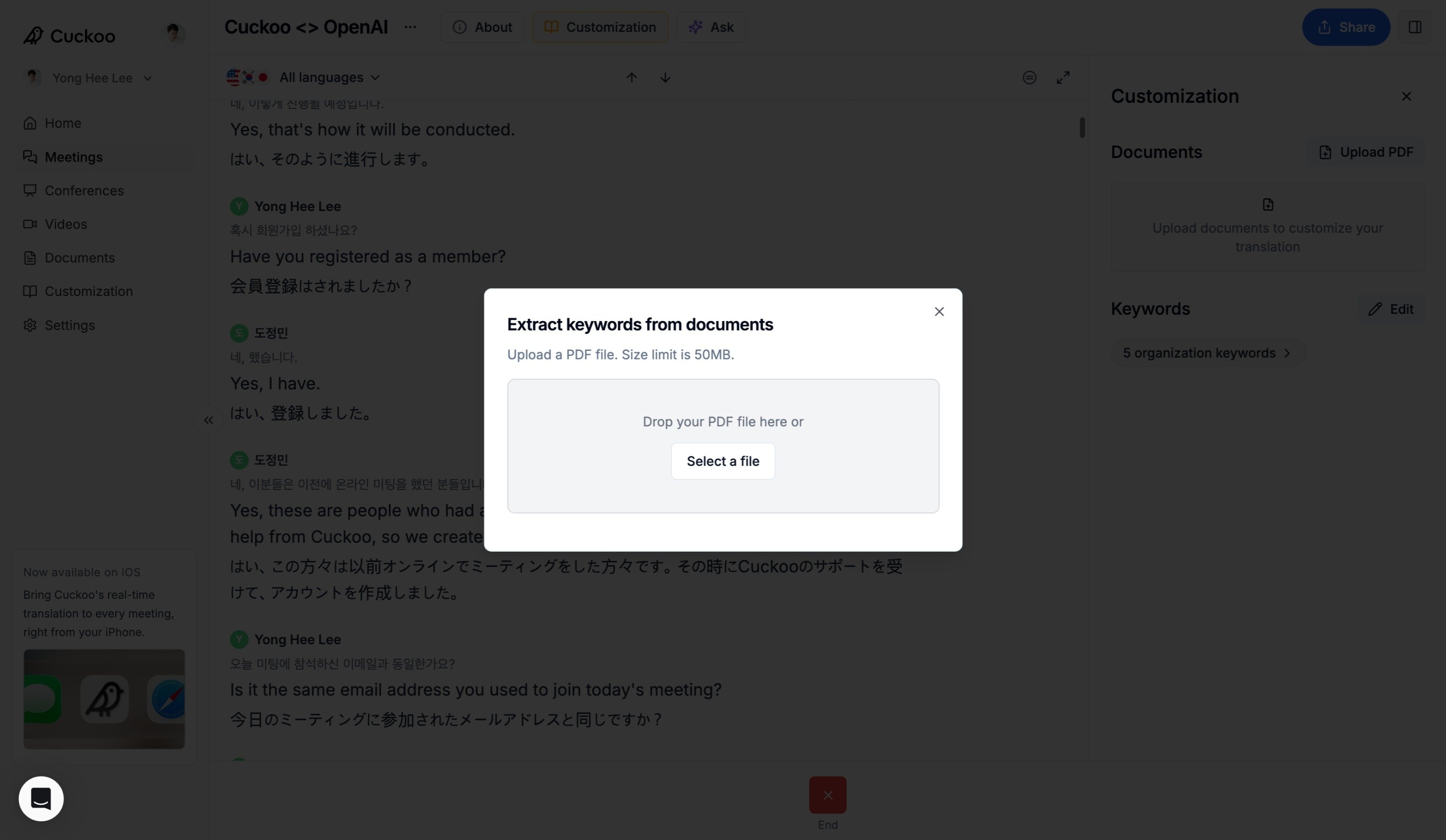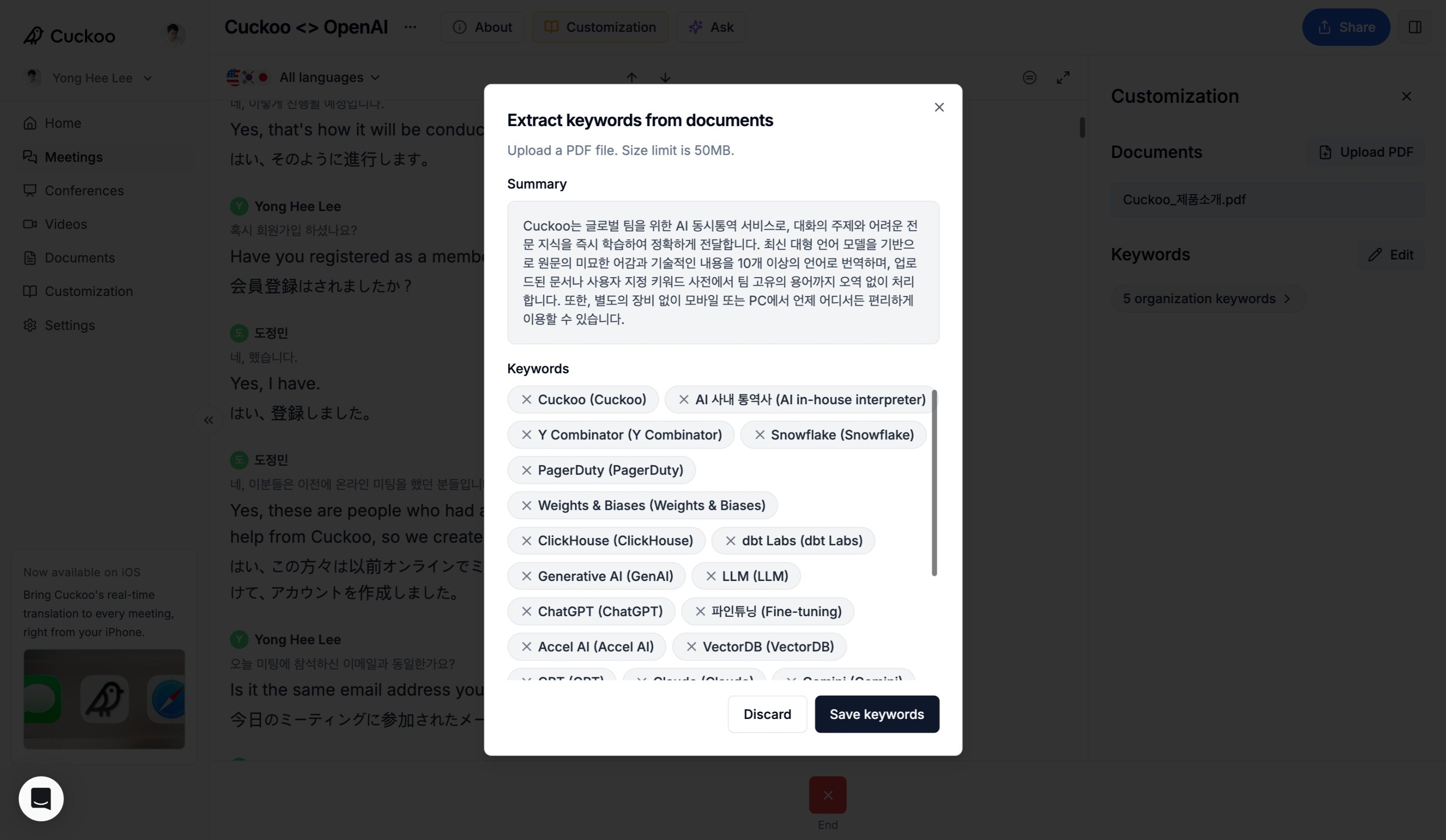
For each meeting, you can upload PDFs and add meeting-specific keywords. From the PDF, Cuckoo extracts relevant context and terminology and uses them to improve translation accuracy.

Keywords

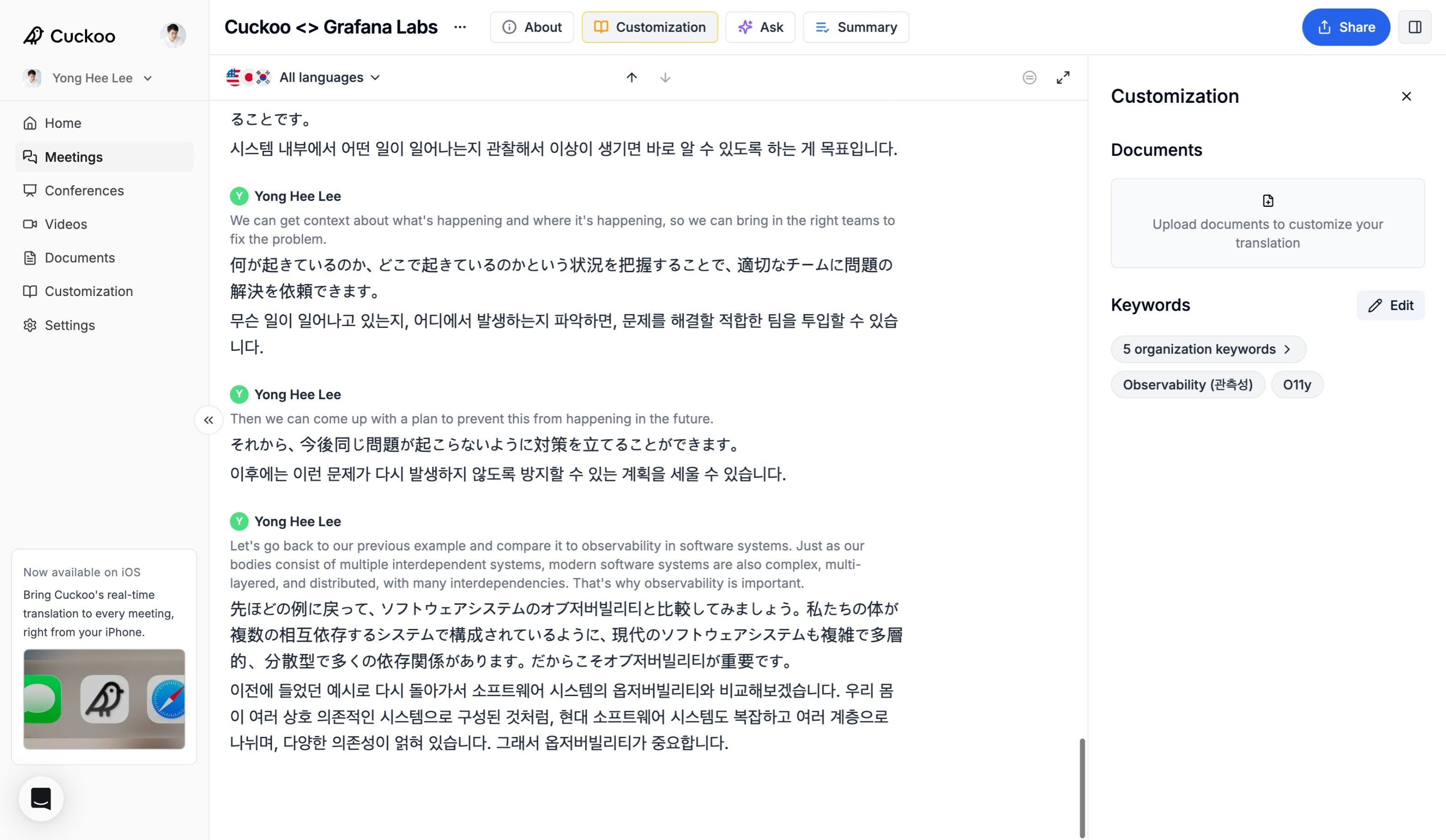
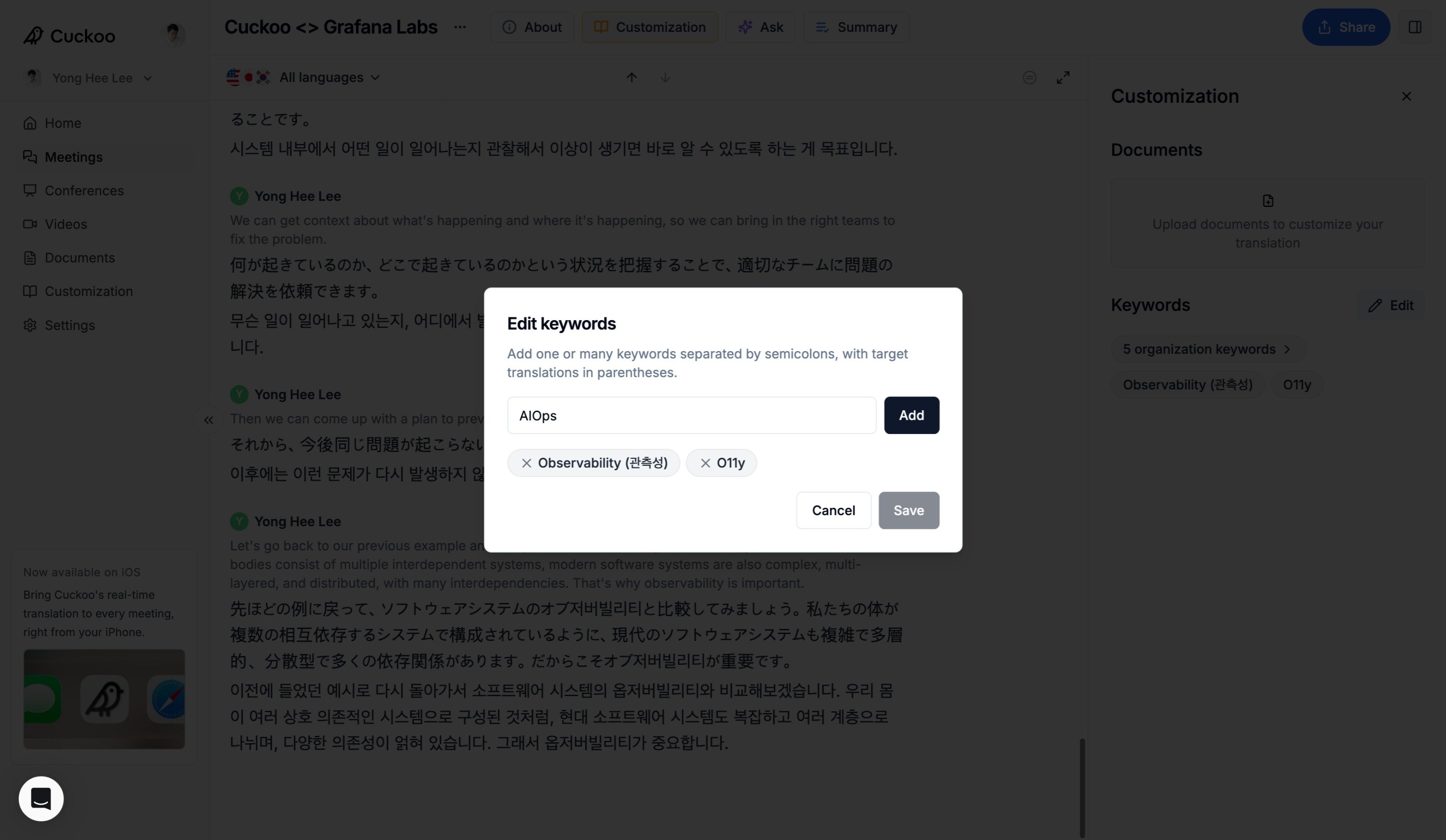
Select Customization at the top of the page to open the Customization panel. Under Keywords, click Edit to add, remove, or update keywords before or during the meeting. Keywords After adding or updating keywords, click Save to apply your changes. Keywords
Documents

Documents provide additional context for the meeting and improve translation accuracy. Start by clicking Upload PDF under Documents, and select a document. Keywords Cuckoo will extract context from the document including the summary and keywords. Click Save keywords to confirm. Keywords